
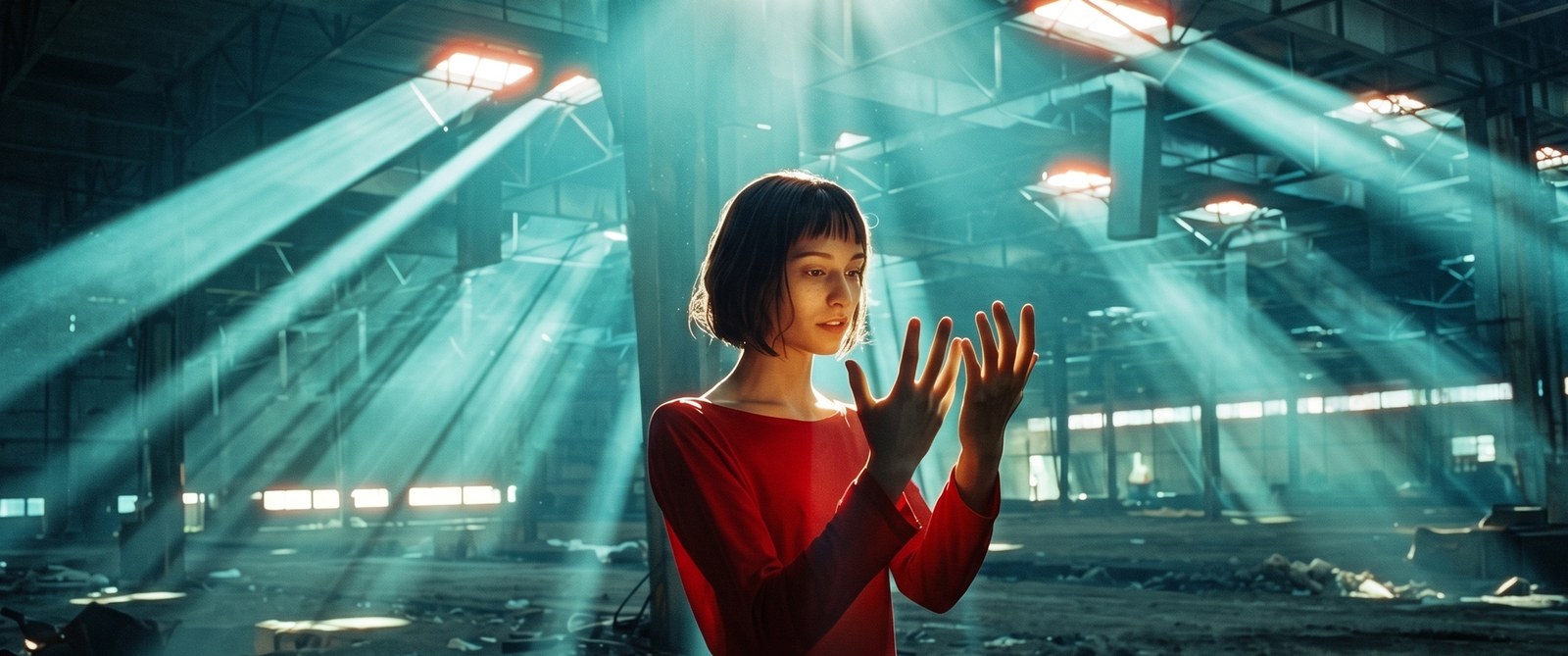
Film grain
Procedural grain with size, roughness, luma and chroma amounts and a density response that peaks in the midtones. It is different every frame, correlated just enough to avoid flicker, and never repeats a static pattern.
Professional Film Texture & Optical Finishing
Finish your footage so it feels filmed, not rendered. GRAINOVA adds grain that changes every frame, glow that comes from your real highlights, and a soft, non-clipping film response. Built for video, for video editors and filmmakers.
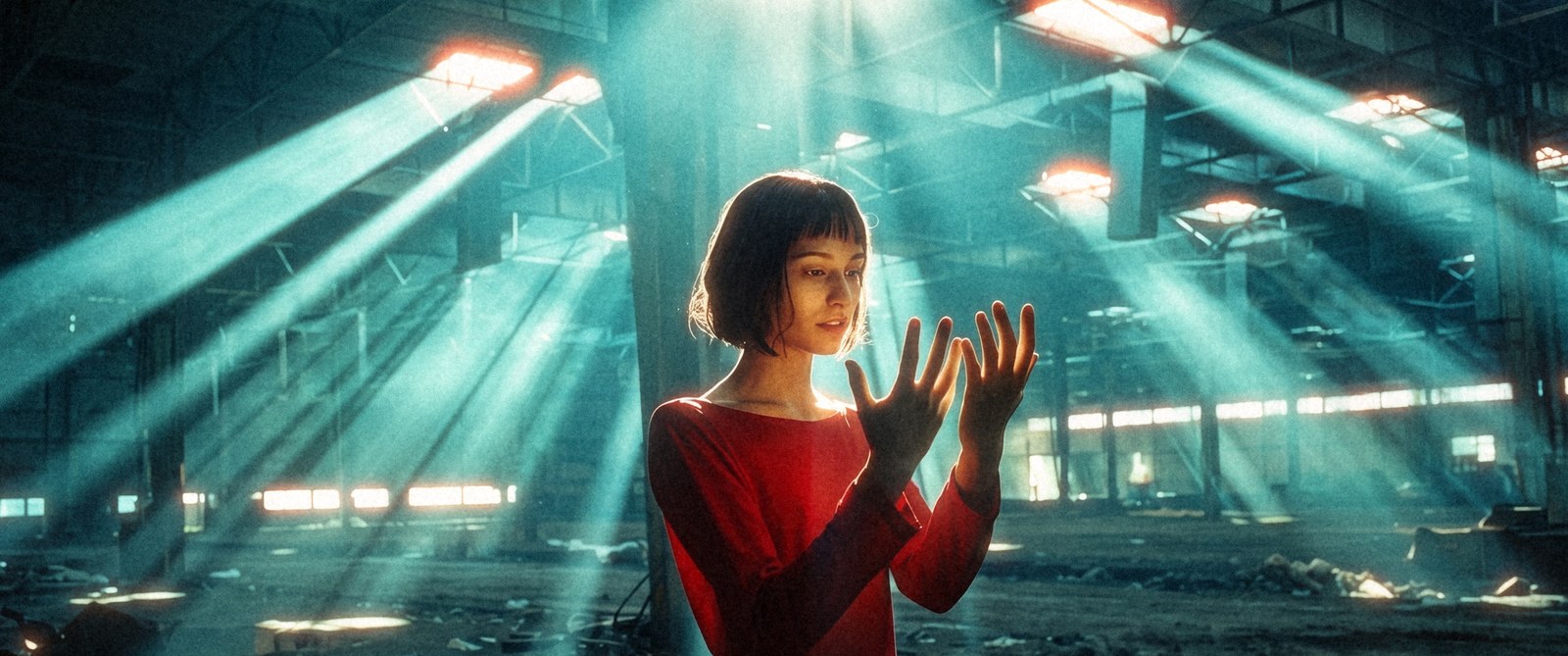
Unedited footage, actually rendered by GRAINOVA - not a mockup.
Procedural grain with size, roughness, luma and chroma amounts and a density response that peaks in the midtones. It is different every frame, correlated just enough to avoid flicker, and never repeats a static pattern.
A red-orange glow around bright areas only - light above a threshold is extracted, blurred and tinted, rather than a flat red overlay.
Threshold-based glow with a tight core and a wide veil, controlled by radius, softness and strength.
Shadow softness, highlight compression, midtone density and gentle color separation. The curves roll off instead of clipping.
Gate weave, flicker and dust - all off by default and never a cheap VHS look.
Sizes are defined relative to the frame height, so a look built on a proxy matches full resolution.
Six starting looks, and every group has its own Reset button.
The same frame number always produces the same grain, so scrubbing and re-rendering are consistent.