
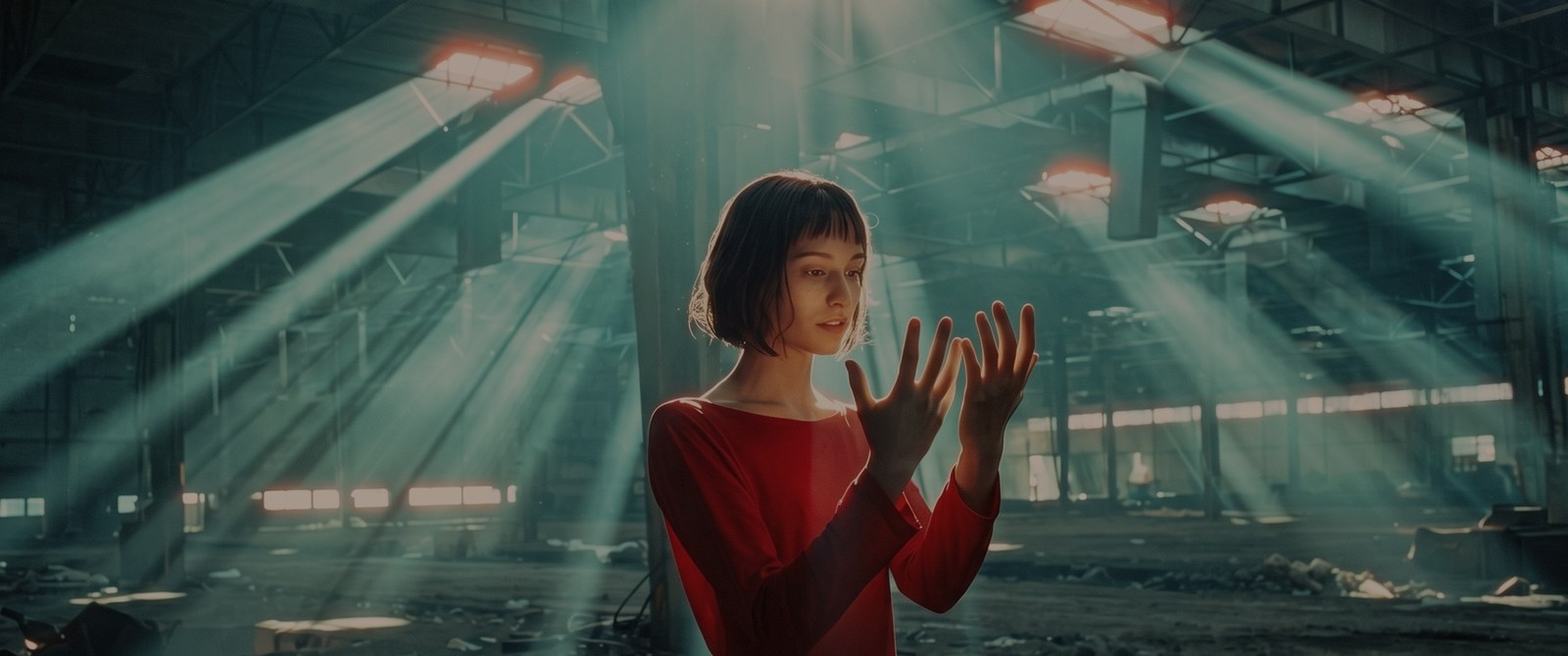
Reference analysis
Luminance percentiles, black level, saturation, and the color balance of shadows, midtones and highlights, measured with medians so a few extreme pixels do not skew the result.
Precision Shot Matching & Color Balance
Match one shot to another in seconds, then keep control. LUMERIX compares a reference frame with the current shot using robust frame statistics and fills in the correction for you. Built for video editors and colorists, not photo editing.
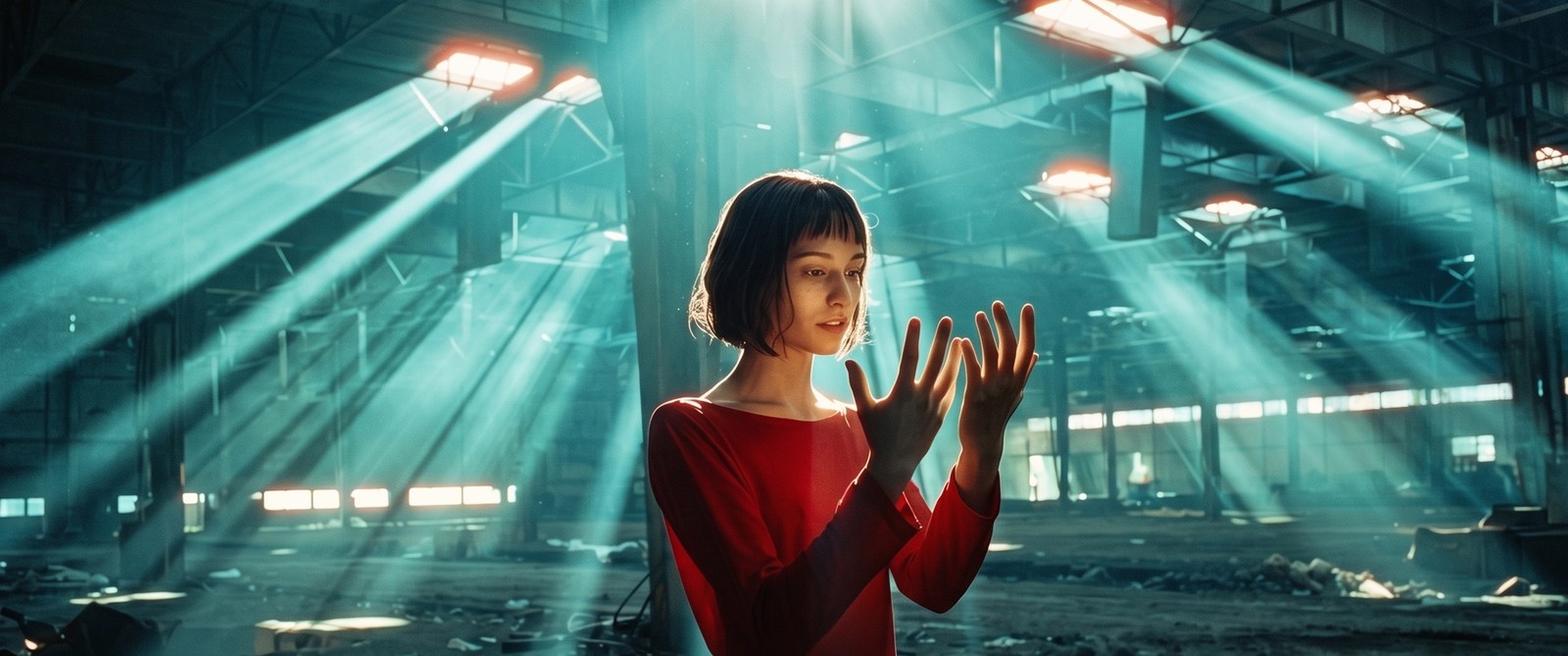
Analyzed once from a real reference shot and applied to real footage by LUMERIX - not a mockup.
Luminance percentiles, black level, saturation, and the color balance of shadows, midtones and highlights, measured with medians so a few extreme pixels do not skew the result.
Works in linear light. Contrast is matched with a curve pivoting at 18% grey; exposure is solved after it so the two do not fight each other.
Temperature and tint are estimated from neutral-weighted chromaticity ratios, not a naive average of RGB.
Separate shadow, midtone and highlight bias when the two shots differ in how they color their tones.
Likely skin is found by hue on the vectorscope skin line in Y'CbCr. Skin keeps its color while its brightness still follows the match.
Bright areas keep their hue and are rolled off instead of clipping when the match brightens the shot.
For SDR footage the solver will not push the top of the frame into clipping. HDR and log workflows are supported through the Input Encoding setting.
Match Strength blends the original and the corrected frame in linear light. Reset and Show Original are one click.
LUMERIX works per-shot, but Resolve's own Copy Grade / Paste Grade lets you apply one captured reference to every shot in a scene in seconds: grade the first clip, right-click its node → Copy Grade, select the rest of the scene's clips, then Paste Grade. The reference and every LUMERIX setting carry over instantly.