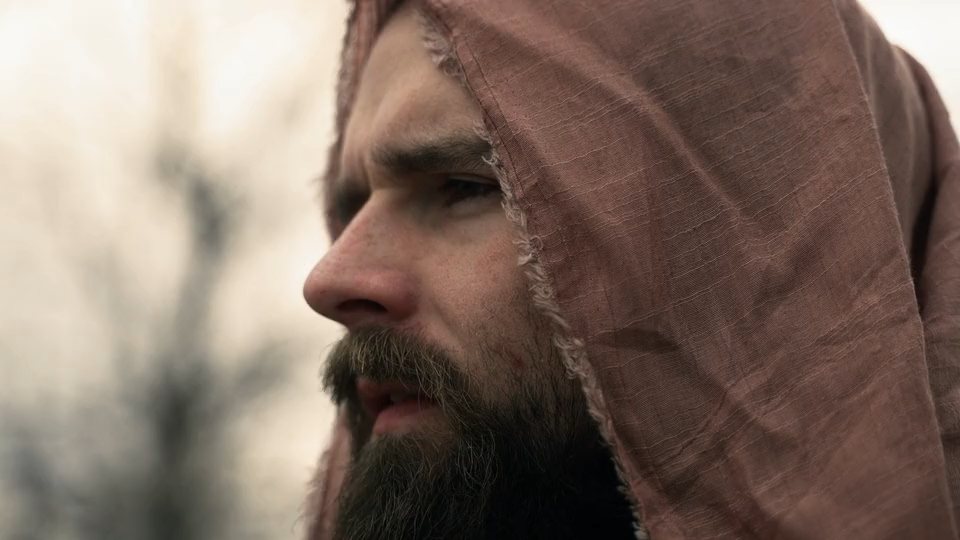
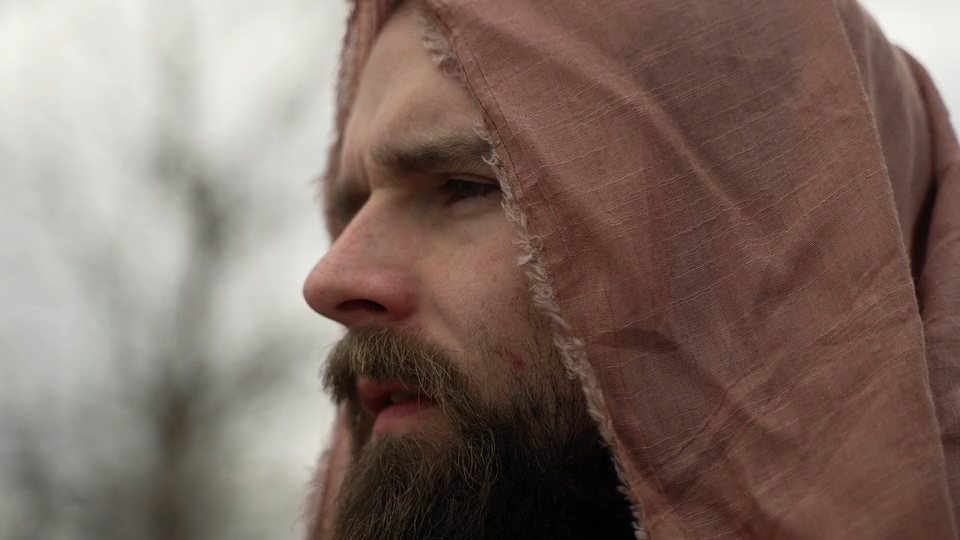
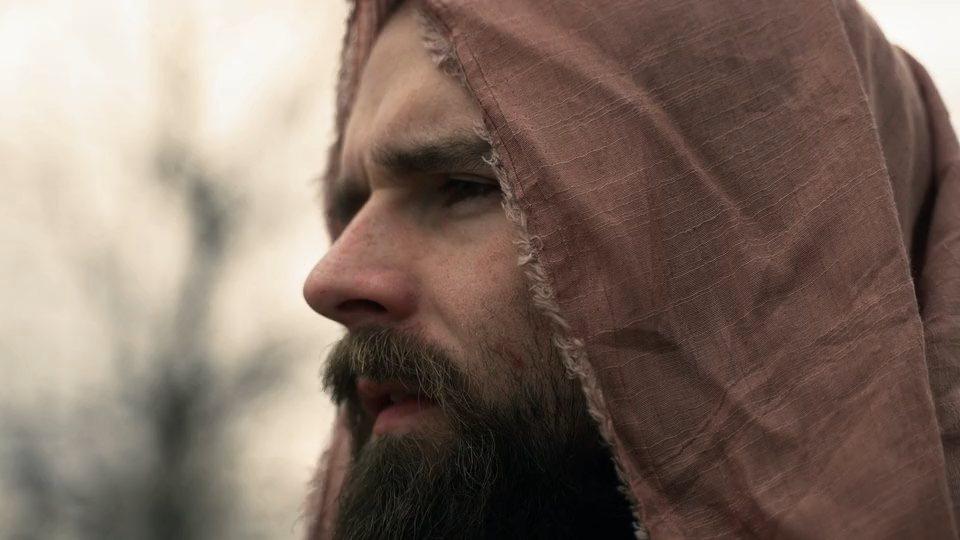
A woman in a red dress holds her hands in a shaft of teal light inside a derelict hall: a cinematic grade by LASTFX LUTS EFFECT

LASTFX Studio

LASTFX LUTS EFFECT

50 Professional Cinematic Looks

Color Is Your Signature.

The Cinematic Color Collection

Fifty looks, each built from its own colour recipe.

LUTS EFFECT is a collection of 50 original creative 3D LUTs for Rec.709 footage. Every look has its own tone curve, shadow and highlight colour, hue relationships and skin handling, so the collection feels cohesive without every look feeling the same.

50 original creative LUTsDesigned and generated by LASTFX. Not copies of anyone else's looks.
Five organised collectionsTen looks each: film, drama, commercial, wedding and travel.
Professional .cube files33×33×33 3D LUTs, domain 0–1, validated file by file.
Made for DaVinci ResolveStandard .cube also loads in other software that supports it.
Real grading workflowsRec.709 footage, or camera Log converted to Rec.709 first.
Instant digital deliveryDownload from your account as soon as your payment is confirmed.

Interactive preview

Drag to compare. Same footage, every look.

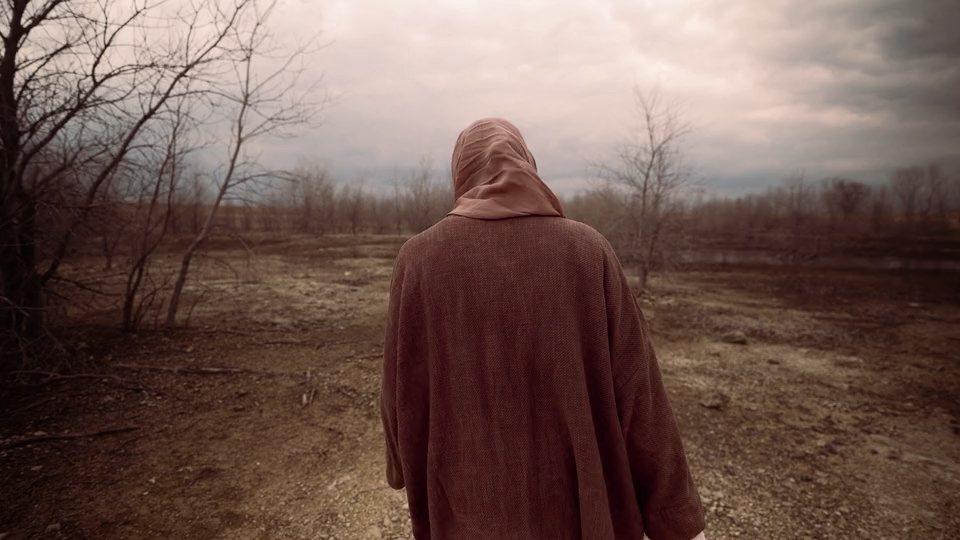
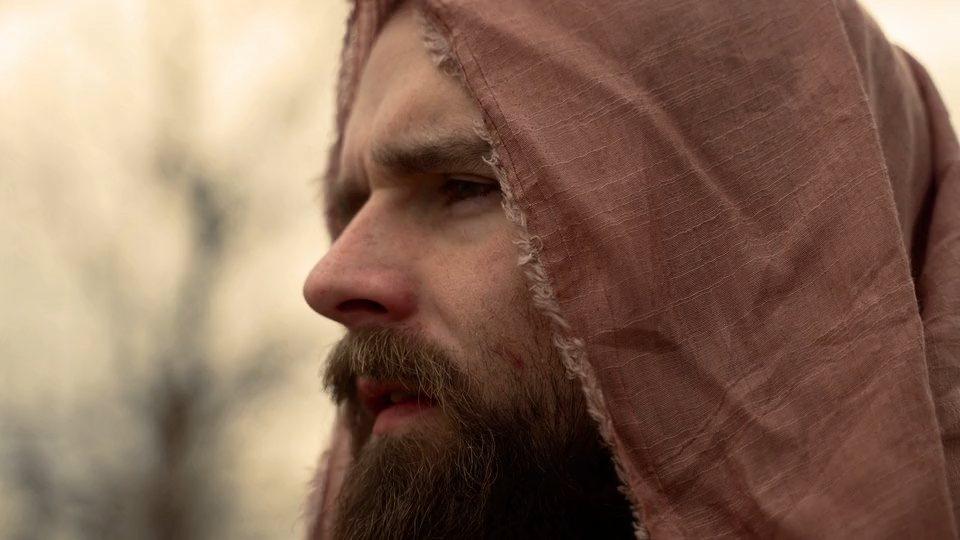
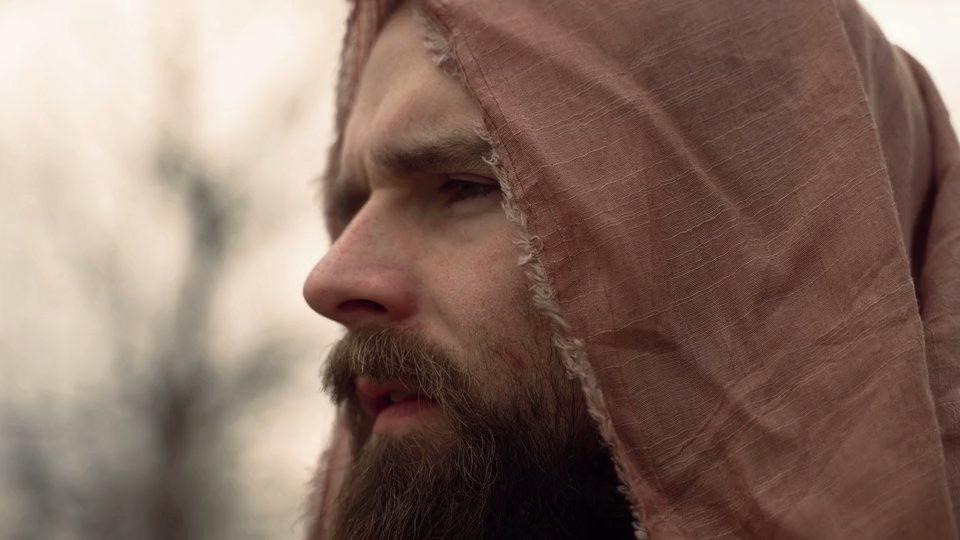
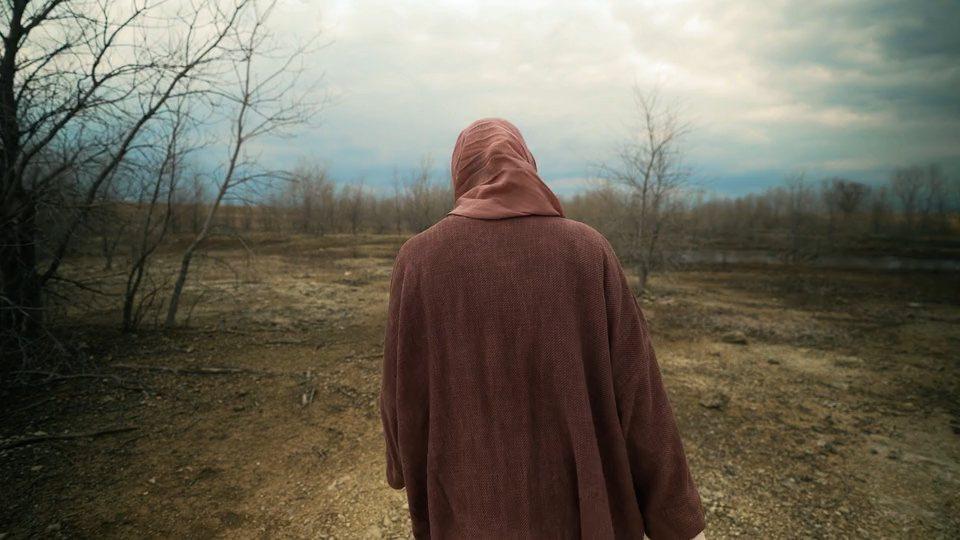
15 of the 50 looks, applied to the same two shots: a portrait and an environment. The graded video is rendered through the actual .cube file, never a browser filter. Left of the divider is the original.

OriginalETERNA
CINEMATIC FILM

ETERNA

A timeless, faithful print-film look: honest colour, a soft toe and a long creamy highlight roll-off.

The collections

Five collections, ten looks each.

Collection 01

CINEMATIC FILM

Feature-film looks built on print-stock logic: gentle toe, rolled shoulders and separated shadow and highlight colour.

  1. 01ETERNA
  2. 02NOCTURNE
  3. 03EMBER
  4. 04CHROMA
  5. 05SILVERLINE
  6. 06VELVET
  7. 07AFTERGLOW
  8. 08MONOLITH
  9. 09HALCYON
  10. 10FRAME 238
Collection 02

DRAMA & THRILLER

Controlled, low-key looks for tension: deep blacks, restrained palettes and one dominant colour idea per look.

  1. 11OBSIDIAN
  2. 12COLD FRONT
  3. 13REDLINE
  4. 14DARK MATTER
  5. 15IRON VEIL
  6. 16BLOODMOON
  7. 17ASHEN
  8. 18DEEP SIGNAL
  9. 19BLACKOUT
  10. 20STORMFALL
Collection 03

COMMERCIAL & ADVERTISING

Clean, polished looks for brands and products: protected skin, precise colour and bright, confident contrast.

  1. 21LUXE
  2. 22ICON
  3. 23GOLDEN HOUR
  4. 24PRISTINE
  5. 25CHROME
  6. 26VIVID PRO
  7. 27SIGNATURE
  8. 28AUREL
  9. 29CRYSTAL
  10. 30PRESTIGE
Collection 04

WEDDING & LIFESTYLE

Soft, flattering looks for people and moments: lifted shadows, gentle roll-off and kind skin.

  1. 31EVERMORE
  2. 32ROMANCE
  3. 33BLUSH
  4. 34SERENITY
  5. 35HONEY
  6. 36WHISPER
  7. 37DAYDREAM
  8. 38SOLACE
  9. 39PURELIGHT
  10. 40EUPHORIA
Collection 05

TRAVEL, NATURE & CREATIVE

Landscape and creative looks that remap how greens, blues and warm light behave.

  1. 41WILDERNESS
  2. 42ARCTIC
  3. 43TROPIC
  4. 44SAHARA
  5. 45VERDANT
  6. 46PACIFIC
  7. 47AURORA
  8. 48SUNDRIFT
  9. 49NOSTALGIA
  10. 50SPECTRUM

Technical information

Built for Rec.709. Honest about Log.

These are creative looks, not camera conversion LUTs. They expect Rec.709 / Gamma 2.4 footage and return Rec.709 / Gamma 2.4. Convert Log footage with your camera maker’s transform first.

Recommended order

Camera Log footage:

Log footage→Camera input transform→Rec.709→LASTFX look→Final grade

Rec.709 footage:

Rec.709→Exposure + white balance→LASTFX look→Final grade

The .cube format

An open text format for 3D LUTs, read by DaVinci Resolve and many other grading and editing tools. Ours are 33×33×33 (35,937 colour nodes), with a 0–1 input domain and standard headers, and every file is checked by an independent parser before release.

Software

Primary target: DaVinci Resolve. Any application that reads .cube files can load them (for example Premiere Pro’s Lumetri panel or After Effects’ Apply Color LUT). The Compatibility Guide in the download states what was tested.

Installation (DaVinci Resolve)

  1. Copy the LASTFX_LUTS_EFFECT folder into Resolve’s LUT folder:
    Windows C:\ProgramData\Blackmagic Design\DaVinci Resolve\Support\LUT
    macOS /Library/Application Support/Blackmagic Design/DaVinci Resolve/LUT
    Linux: the LUT location set in Resolve’s preferences.
  2. Right-click the LUTs panel and choose Refresh (or Update Lists in Project Settings).
  3. Add a node after your correction, right-click, 3D LUT, LASTFX_LUTS_EFFECT.

LUTS EFFECT · v1.0.0

Make color your signature.

Launching soonAsk a question
  • 50 creative .cube LUTs in five collections
  • PDF guides: installation, workflow, LUT reference, compatibility
  • Contact sheets of every look on the same reference shots
  • Licence for personal and commercial video projects
  • Download from your LASTFX account after payment